
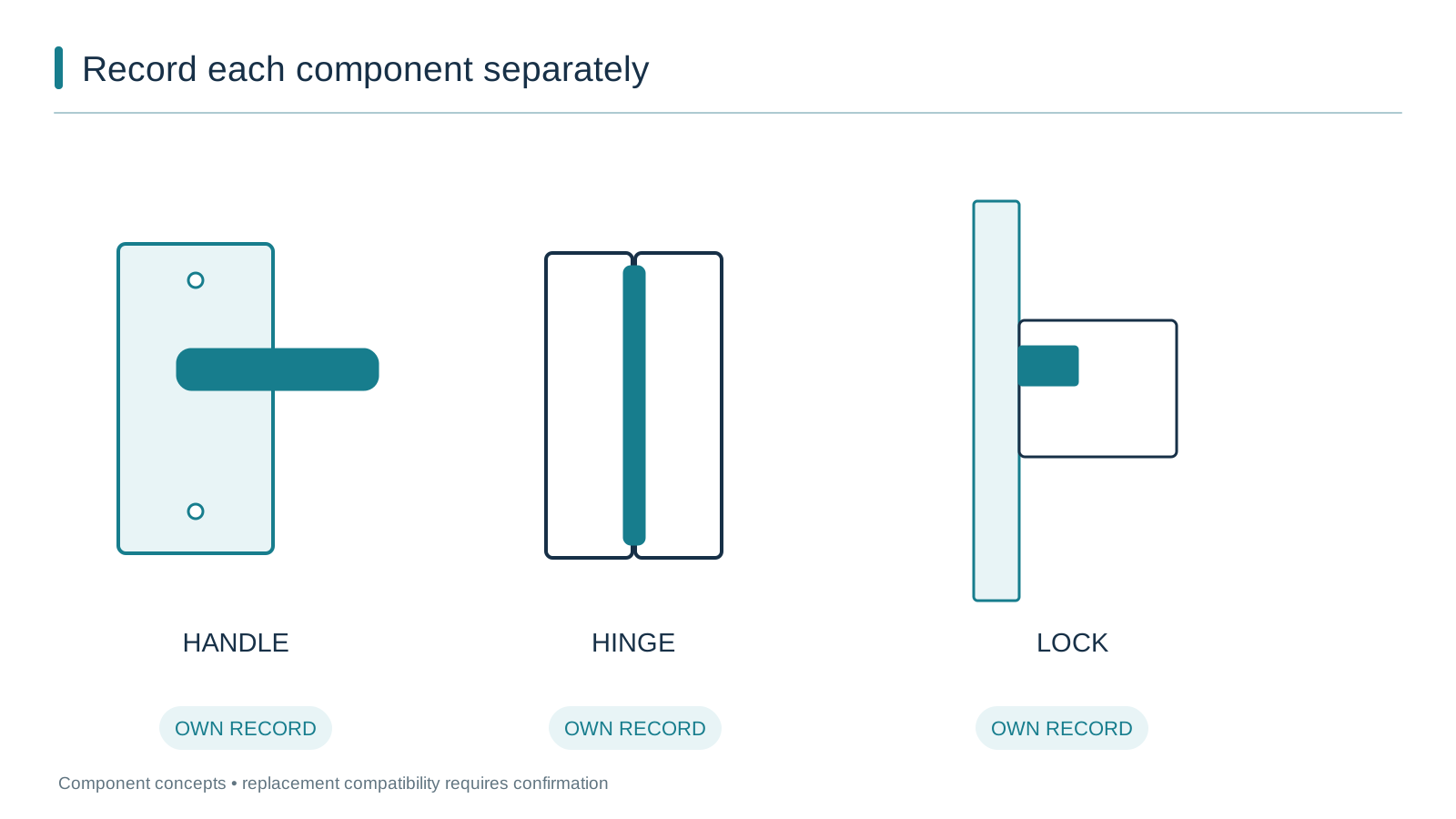
Plan Window and Door Spare Parts Before Ordering
Create a hardware schedule that links each opening mark to hardware maker, series, part code, handing, profile interface, finish and spare allowance before quoting.
Buyer decision boundary
A window schedule is not sufficient for spare parts until the hardware maker, part code, handing, profile interface, finish and load class are recorded for each opening.
Evidence to request or retain
- Collect the marked window/door schedule with opening IDs and drawing revision.
- Request hardware schedule columns for maker, series, part code, handing, profile interface, finish and load class.
- Ask for sample or pre-production label photos and a spare-parts allowance list before approving production.
Example input: Hardware traceability request
- Opening mark
- Hardware maker and series
- Part code or item number
- Handing
- Profile interface
- Sash weight or load class
- Finish
- Photo or label reference
What this guide does not confirm
YULUX cannot confirm replacement compatibility for an existing third-party hardware part without the actual part code, profile interface and photo or drawing record.
How to turn a window schedule into a hardware traceability record
| Weak record | Useful record | What to request |
|---|---|---|
| Awning window with quality hardware | Opening AWN-12, hardware maker and series, item code, right-hand, euro groove, 170 kg class | Hardware maker, series, part code, handing and load class per opening |
| Photos of hardware only | Series or label photo with measurement and opening mark | Photo evidence plus named code and profile interface |
| Spare parts included as one line | Spare allowance list by opening and item code | Recommended spare allowance with separate item numbers |
Why spare parts planning belongs in the order file
Many window and door schedules stop at the visible product: opening mark, dimensions, style, colour and glass. Hardware is often written as one line such as “quality hardware included.” That can be enough to compare a new installation, but it is not enough when a roller wears, a handle breaks, or a lock body needs replacement after the frames are already in another country. The buyer often knows the window brand but cannot trace the maker, series or part code of the component. A familiar problem is an old aluminium-window roller with no visible branding. The best time to solve that is before production, when the hardware schedule can still be tied to the drawing revision and the supplier’s bill of material.
Separate the window brand from the hardware maker
Window hardware is usually developed and supplied by specialist hardware businesses, not the window fabricator. A fabricator selects a hardware series that matches the profile system, sash weight and opening type. Hardware makers typically organise their ranges around a few load-bearing components and allow the lock, handle and accessory positions to be selected separately.
SIEGENIA’s aluminium hardware overview describes a modular ALU system for aluminium windows, where the ranges differ mainly in hinge sides and top stays while locks, handles and accessories can be combined. The ALU 5200 page shows the same idea at series level: a left/right compatible set, a sash load capacity and adjustment features, with the rest of the lock and handle range chosen around it. These pages are manufacturer-specific examples, not YULUX specifications, but they show the distinction a buyer should record. If the schedule says only “YULUX awning window,” it is missing the hardware maker and series that a spare-parts enquiry actually follows.
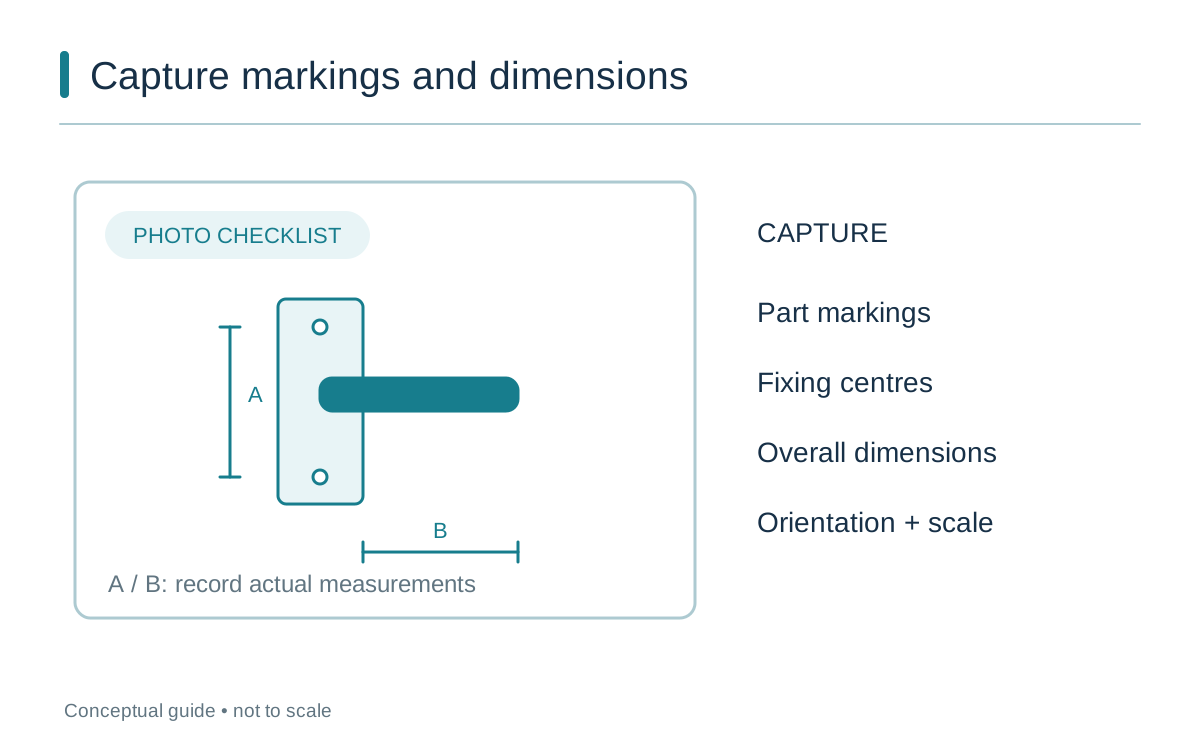
A stylised handle detail uses lettered dimension markers A and B and a photo checklist for markings, fixing centres, dimensions and orientation; no dimensions are prescribed.
What a traceable hardware line should contain
Treat each scheduled opening as having two identities: the window unit and the hardware positions inside it. A practical hardware line records more than a product name. It should include the opening mark, hardware maker and series, item or part code, handing, profile interface, finish, load class and the quantity for that opening. For example, a line might read: “AWN-12 right-hand awning, [hardware maker] ALU series, hinge side and top stay, silver anodised, euro groove, 170 kg sash range, item code 12345.” That format is useful because the item code and handing are tied to the actual bill of material, not to a generic description.
| Record field | What it prevents | What to request |
|---|---|---|
| Hardware maker and series | A window brand with no traceable component | Ask the fabricator to name the hardware maker and series per opening. |
| Part or item code | Similar parts with different dimensions | Request the supplier’s item code from the bill of material. |
| Handing and profile interface | Right-hand parts ordered for left-hand openings | Record the operation side and groove or fixing type. |
| Load class | Sash weight exceeding hinge or stay limit | Ask for the maximum sash weight range or panel mass. |
| Photo or label reference | Unmarked hardware after installation | Have sample or pre-production labels and visible positions photographed. |
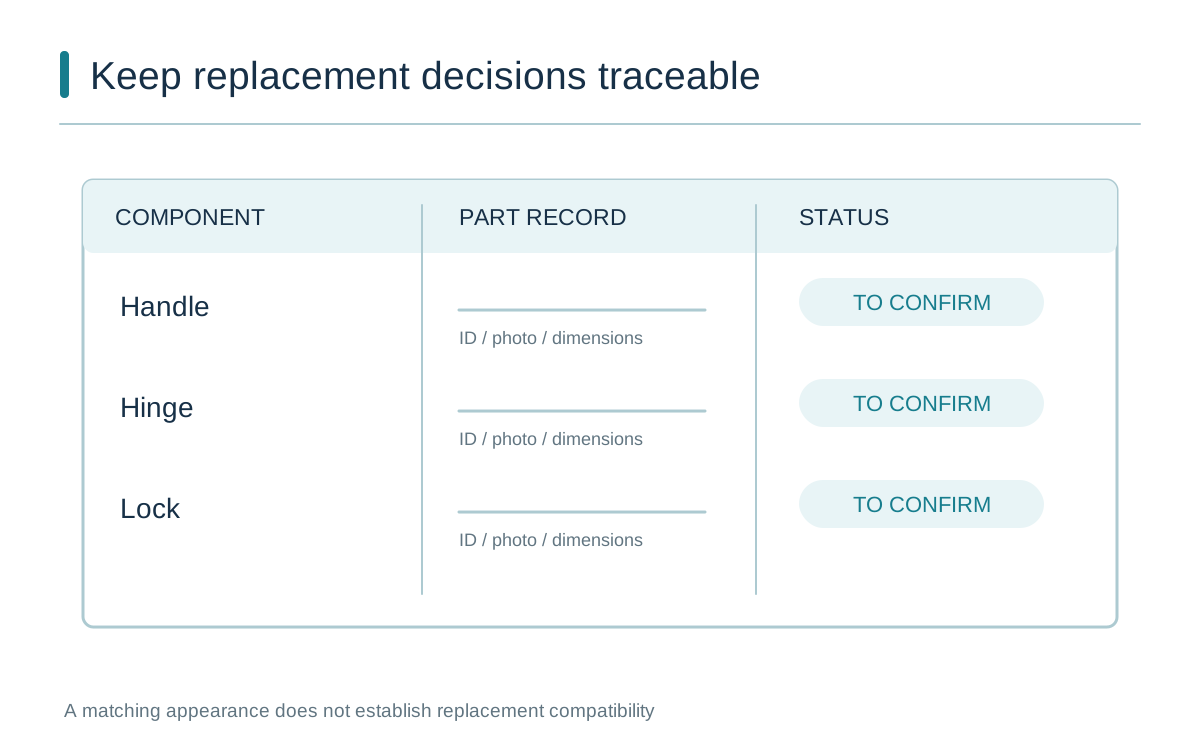
A parts register gives handle, hinge and lock separate ID, photo and dimension fields, with each replacement status marked to confirm.
Use structured identification categories, not just photos
Photos help, but they work best when attached to named fields. The Andersen casement identification worksheet, for example, walks through product ID label, glass logo, sash measurement, handing, operator arm type and series. Those categories are product-specific, but the model is useful: record the label, measurement, handing and distinct feature as a set. Do not assume a photo alone will identify an unmarked roller or hinge. Include the measurement reference and the installed position when possible, and do not remove a sash or force hardware apart just to take a picture.
Request a bill of material with spare parts separated
The strongest record is a bill of material that shows the production hardware and the recommended spares separately. Roto’s online hardware configurator is an example from a hardware maker: it can produce individual bills of material with technical illustration and export data for different profile systems in wood, aluminium and PVC. That is a manufacturer-owned tool, not a YULUX system, but it illustrates what “traceable” looks like. Ask your window supplier whether the quotation can include a hardware bill with item codes, or whether the hardware maker’s item code can be added to the schedule.
Create a practical before-order checklist
- Mark the window schedule with opening IDs and drawing revision, so every hardware line can be traced to one unit.
- Ask the supplier to fill the hardware columns: maker, series, part code, handing, profile interface, finish and load class.
- Request labelled photos or a sample hardware board before bulk production. Store the photos by opening ID.
- Ask for a recommended spare allowance as a separate list, not a bulk mix of anonymous parts.
- Ask for current part availability and the format of the future parts record before you approve the quotation.
What to send YULUX for a quote
Send the opening schedule with the hardware columns above, or ask YULUX to return a hardware schedule from your drawings. Mark high-use and high-load openings, such as large sliding doors, tilt-turn units and coastal-facing windows, because they do not share the same replacement risk. If the site is coastal, the hardware corrosion class belongs in the same record as the frame finish. See the coastal aluminium window care guide for the maintenance overlap.
For an existing third-party part without a clear code, share the opening photo, the visible marking or label, the measured dimensions, the profile interface and the drawing if available. Use the get a quote form to request a technical review. YULUX can work from the supplied record, but replacement compatibility for an existing part depends on the actual part code and profile interface; it is not a promise that every old part can be matched.
Frequently asked questions about hardware spare parts records
What if I know the window brand but not the hardware brand?
Ask the window supplier to separate the hardware maker and series in the quotation. The window brand is not a spare-parts identifier. For an installed window, photograph the hardware and any label from a safe angle and include a measurement before making an enquiry.
How many spare parts should I order?
There is no universal rule. Ask for a recommended allowance by opening type and expected use, then list each spare by the same part code used in production. High-wear items such as rollers, stays, handles and keepers are more useful than a bulk box of mixed accessories.
Does a photo replace the part code?
No. A photo narrows identification, but the part code, profile interface and handing are stronger when the hardware is still traceable. Use photographs to support the record, not to replace it.
Can YULUX guarantee a replacement part will always be available?
No. Hardware series and parts can change or be discontinued. Ask YULUX to confirm the current part code and expected availability before the order, and keep the written file for future purchases.
Sources and related YULUX pages
- SIEGENIA – aluminium window hardware system overview
- SIEGENIA – ALU 5200 aluminium hardware example
- Andersen – casement window identification worksheet
- Roto – online hardware configurator example
- YULUX – how to read a window schedule
- YULUX – compare aluminium window suppliers
- YULUX – coastal aluminium window care and maintenance
- YULUX – get a quote
Let YULUX review your drawings before pricing.
Send us your window schedule, floor plans or photos. We review opening sizes, system direction, glass, hardware, finish and packing scope before quoting.